
See the current price and stock status, then open its product page or add it to your bag.
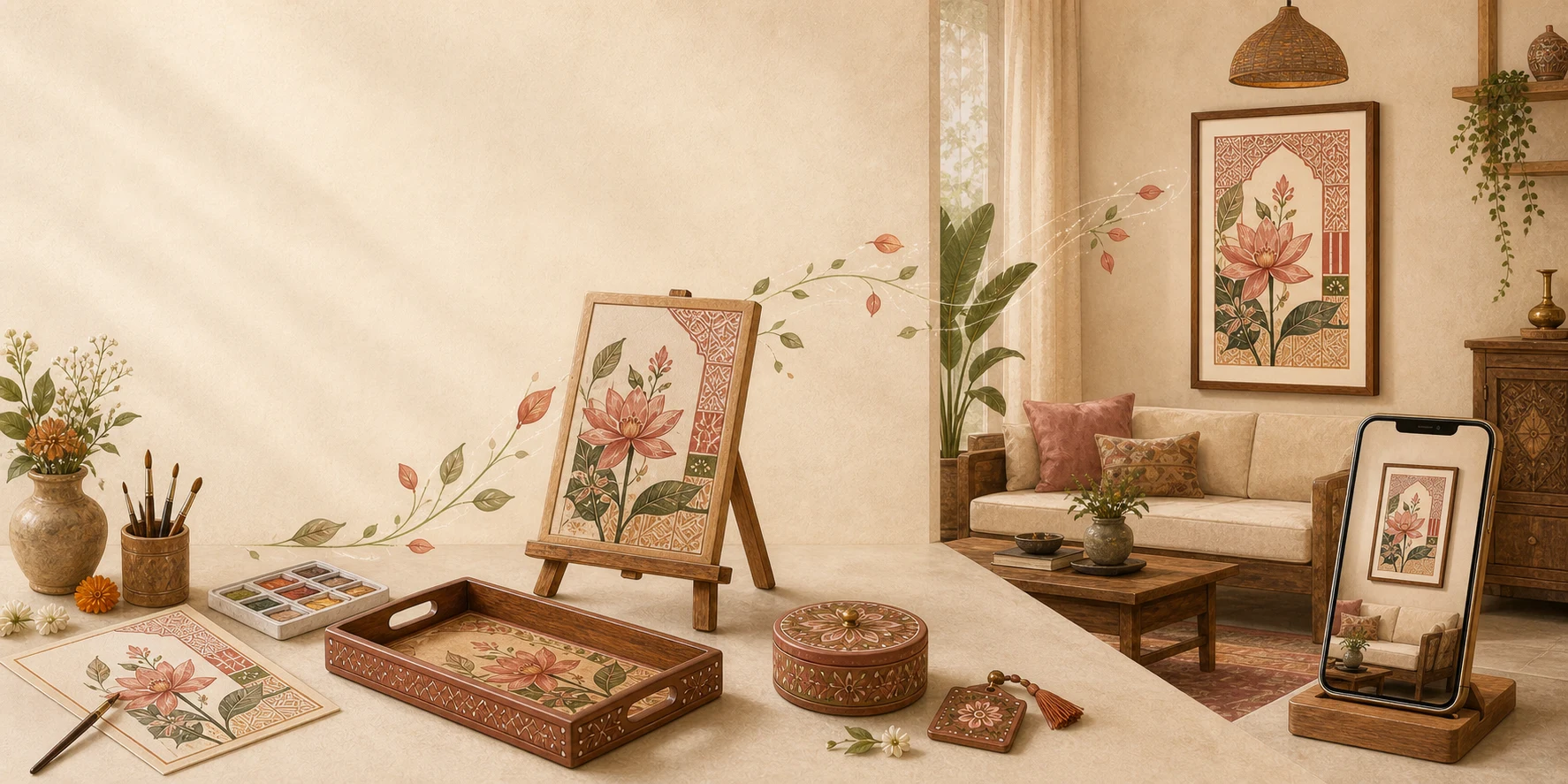
Artzy World · Room visualisationSee selected Artzy artwork
See selected Artzy artwork
in your own space.
Upload a photograph of your wall or begin with a sample room. Compare approximate placement, size, frame and colour mood before you choose what happens next.
✿Powered by ArtzyAIPart of the Artzy's Studio experience
Visual placement is approximate. The studio catalogue remains authoritative for product, price, stock and dimensions.From a wall photograph
to a clearer decision.
See how art could look in your room. Choose an available studio piece or explore a custom concept, then view the product or share your idea with the studio.
- 01
Select an art direction
Choose available Artzy artwork from the studio catalogue, or begin a custom wall-art direction.
- 02
Bring in your room
Upload a clear wall photograph or use a carefully labelled sample room.
- 03
Adjust the view
Compare approximate placement, size, frame and colour mood in one comfortable workspace.
- 04
Add optional guidance
Choose room-aware recommendations and optional Vastu-inspired guidance within the same preview.
- 05
Continue in the right place
Open the available product or carry your choices into the studio's custom-art workflow.
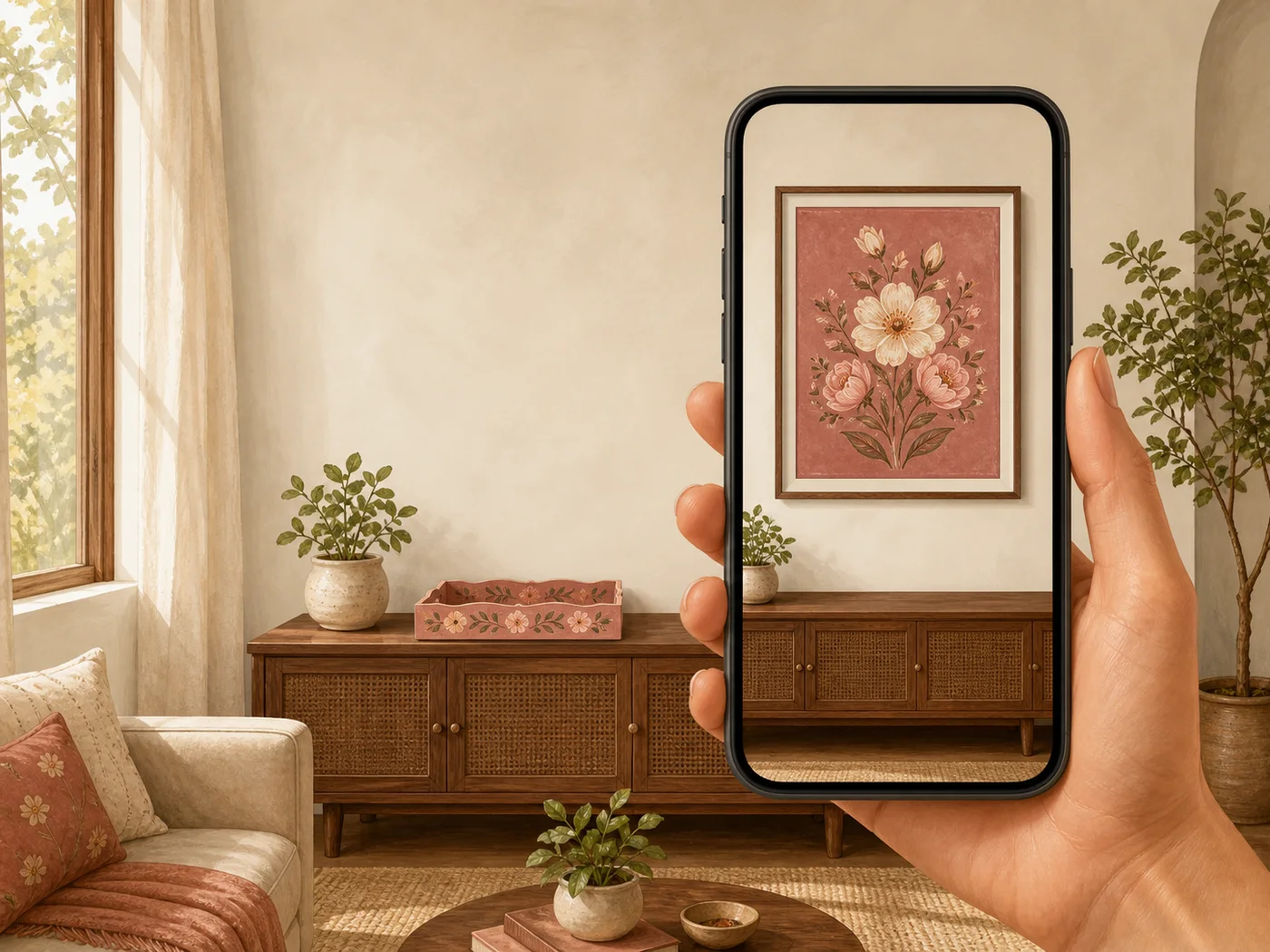
Full-page room previewPicture the scale.
Available studio artwork Custom wall-art direction
Picture the scale.
Keep the choice simple.
The workspace stays open and full-page, with no nested frame or second scrollbar. Your room and art choices remain together while you compare the view.
Carry room, palette, size, frame and optional Vastu preference into the existing custom hand-painted artwork workflow.
Interactive preview is readyYour uploaded wall photo stays in your browser during the preview.
Preview here.
Find the art that feels at home.
Caricatures, Digital Art & Prints, Name Plates, Gifts and other personalised services keep their own dedicated pages. Artzy World will take you there only when it helps you continue—never show you a second version of the same builder.
Start my room preview